
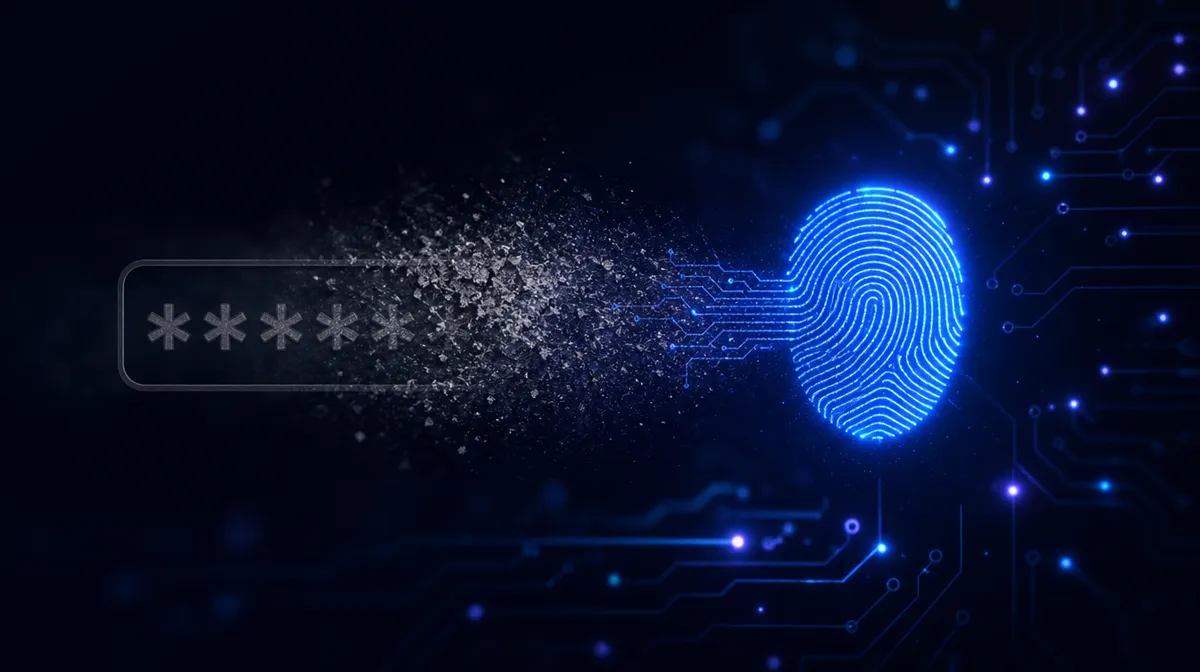
Passkeys replace passwords with a cryptographic key that lives on your phone, laptop or security key — nothing to remember, nothing to type, and nothing for a phishing site to steal. Consumer platforms have largely made the turn; the 2026 question is whether your business stack — identity provider, devices, recovery process — is ready to follow. For most SMBs the honest answer is yes for the core, with a fallback plan for the stragglers.
What a passkey actually is
A passkey is a key pair. The private half stays on your device, protected by your fingerprint, face or PIN; the public half sits with the website. At sign-in, your device proves it holds the key — no secret ever crosses the wire, so there’s nothing to intercept, reuse, or spill in a breach.
The quietly brilliant part: a passkey is bound to the exact domain it was created for. A lookalike site can render a pixel-perfect login page and the passkey simply won’t respond. Phishing resistance is built into the math, not trained into the user.
Industry estimates; illustrative.
View data table
| Accounts with passkeys (billions) | |
|---|---|
| 2022 | 0.4 |
| 2023 | 1.5 |
| 2024 | 4.5 |
| 2025 | 9 |
| 2026 | 15 |
Why passkeys beat passwords — and most MFA
Passwords fail in bulk: they get reused, phished, and dumped in breaches by the billion. Traditional MFA patches some of that, but SMS codes and push prompts are now routinely phished in real time by attacker-in-the-middle kits. Passkeys close that loop — and they’re faster to use, which is why people actually adopt them.
The momentum is real: Microsoft began making new accounts passwordless by default last year, most major platforms and identity providers now support passkeys out of the box, and adoption keeps compounding as those platforms nudge users through setup.
Be clear-eyed about what passkeys don’t fix, though. They protect the sign-in, not the session: malware on an infected laptop can still ride along after authentication, and a helpful help desk that resets accounts for anyone who calls remains the classic bypass. Passkeys remove the easiest attack — the phished password — which is exactly why the surrounding controls, especially device security and verified reset procedures, matter even more once you deploy them.
Five passkey readiness questions for your business
- Does your identity provider support passkeys for workforce sign-in? Microsoft Entra ID, Google Workspace and Okta all do — check your license tier and conditional access settings.
- Can your devices participate? Reasonably current laptops and phones with biometrics, ideally enrolled in device management.
- What happens when someone loses their phone? Your recovery flow — synced passkeys, a backup hardware key, a verified help-desk reset — becomes your weakest link. Design it before rollout, not after the first lost device.
- Where are your shared logins? Passkeys are personal by design. Fix the sharing first, or use a business password manager that stores and shares passkeys deliberately.
- Which apps still demand passwords? Legacy line-of-business tools set your fallback policy — inventory them so passwords can shrink to that list alone.
A sane passkey rollout order
Start with admins and finance — the accounts attackers value most. Then move everyone to passkeys for the identity provider itself, since that one login fronts email and most of your apps. Keep password-plus-MFA as a fallback at first, then restrict it account by account as confidence grows. Six months of phishing-simulation results before and after will make the case to any remaining skeptics. Budget-wise there’s little to buy: passkey support is already built into the platforms and identity plans most businesses run today, so the real cost is a few hours of configuration and a clear communication plan.
Key takeaways
- Passkeys are phishing-resistant by design — the key only answers to the real site.
- SMS codes and push prompts are phishable; passkeys close that gap.
- Readiness = identity provider support, capable devices, and a tested recovery flow.
- Shared logins and legacy apps define your fallback policy — inventory both.
- Roll out admins-first and keep a shrinking password fallback.
Ready to plan the switch? Our cybersecurity team runs passkey rollouts from readiness check to the day passwords stop mattering.
More from the blog



Turn insight into action.
Take a free cybersecurity or AI readiness assessment, or book a call with a NetSys engineer — no obligation, no runaround.